 2026. October 10.
Printing AI Images: 5 Important Tips to Make Your Graphics Look Great in Print
With artificial intelligence, we can now quickly create stunning illustrations, advertising graphics and custom images. But is an AI-generated image actually suitable for printing?
The answer: yes, but not always directly. A graphic that looks perfect on a monitor can look completely different on a poster, a Roll-up, a banner or a T-shirt.
We'll show you what to watch out for when printing AI images, how you can create graphics of the right quality, and what instructions will get you better results during image generation.
1. What resolution do you need to print AI images?
One of the most important questions is the resolution of the image. Digital images are made up of dots, known as pixels. If an image is enlarged too much, the details can become blurry and the edges can look pixelated.
The required resolution always depends on the print size and the viewing distance. A flyer held in your hand usually needs a higher pixel density than a giant poster viewed from afar.
AI-based image upscaling can help increase the resolution, but it can't always accurately restore missing details.
Tip: Decide on the planned print size before generating the image, and if possible, create the image in the highest available resolution.
2. How do you keep text and logos sharp?
In an advertising graphic, besides the visuals, the legibility of the text and the accurate display of logos are also crucial.
If you want to use the same graphic in several sizes, it's especially useful if the text and the brand elements can be edited separately.
Vector graphic elements don't lose sharpness when enlarged, which makes them especially suitable for text, logos and simpler graphic shapes.
Tip: Use AI to create the visual world of the image, and place important text and logos separately, preferably in vector form.
3. Why can colors look different in print?
Monitors display images using light in the RGB color system. Conventional four-color printing, on the other hand, uses CMYK inks.
That's why some vivid colors, especially neon-like shades, can differ in print from what you see on the screen.
The final result is also affected by the printing technology and the material. The same graphic can look different on paper, fabric or a PVC banner.
Tip: If exact brand colors are important, talk to the printer about proper color management. For larger orders, it's worth requesting a test print too.
4. How do you check the quality of an AI graphic?
A stunning image may look flawless at first glance, but it's worth examining it more closely before printing.
Check the small details, the outlines of objects, the perspective, the shadows and the color gradients. This is especially important for large-format printing, where even minor flaws can become more noticeable.
Tip: Go through the graphic at 100% zoom, then also check that it has enough detail at the planned print size.
5. What makes an AI-created image print-ready?
An AI-generated image on its own isn't necessarily a print-ready graphic.
Several technical requirements must be taken into account during print preparation:
Appropriate size and image resolution
Required bleed and safety margins
Appropriate color profile and file format
Placement of text, logos and important details
Production specifics of the chosen product
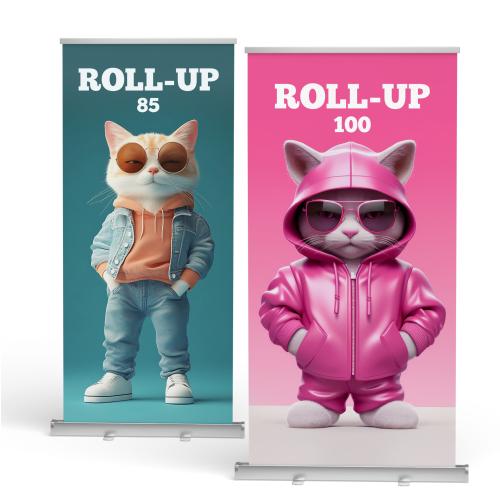
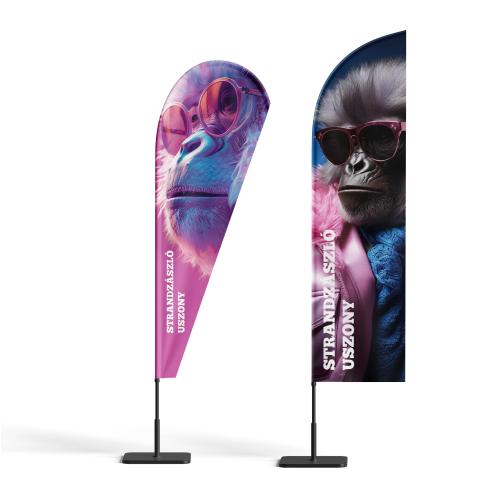
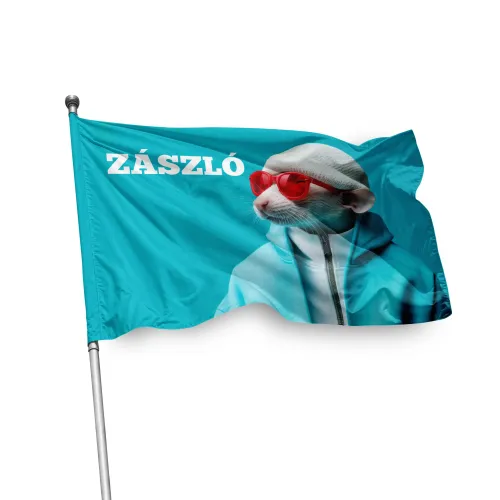
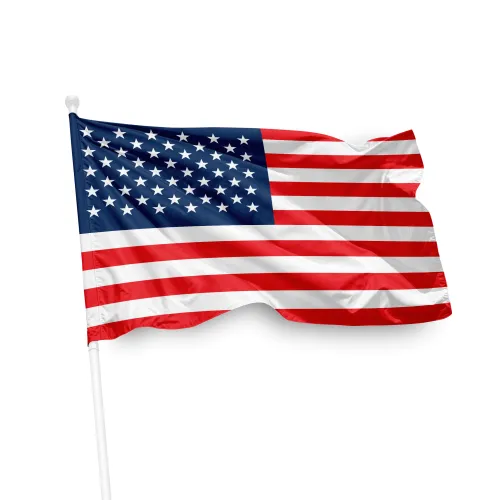
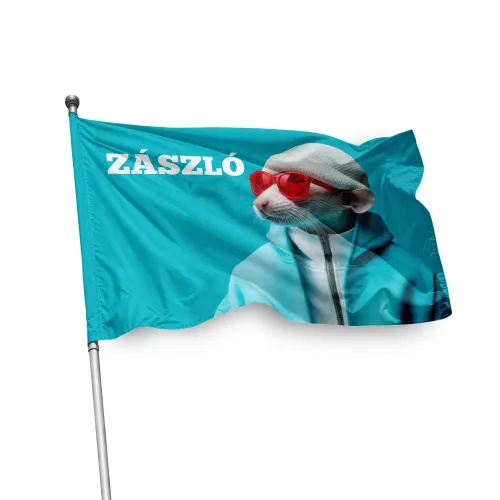
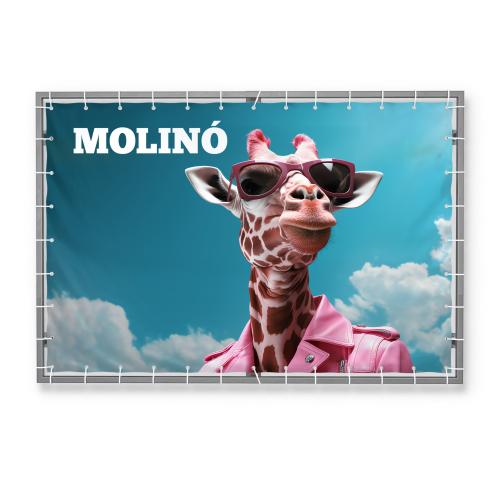
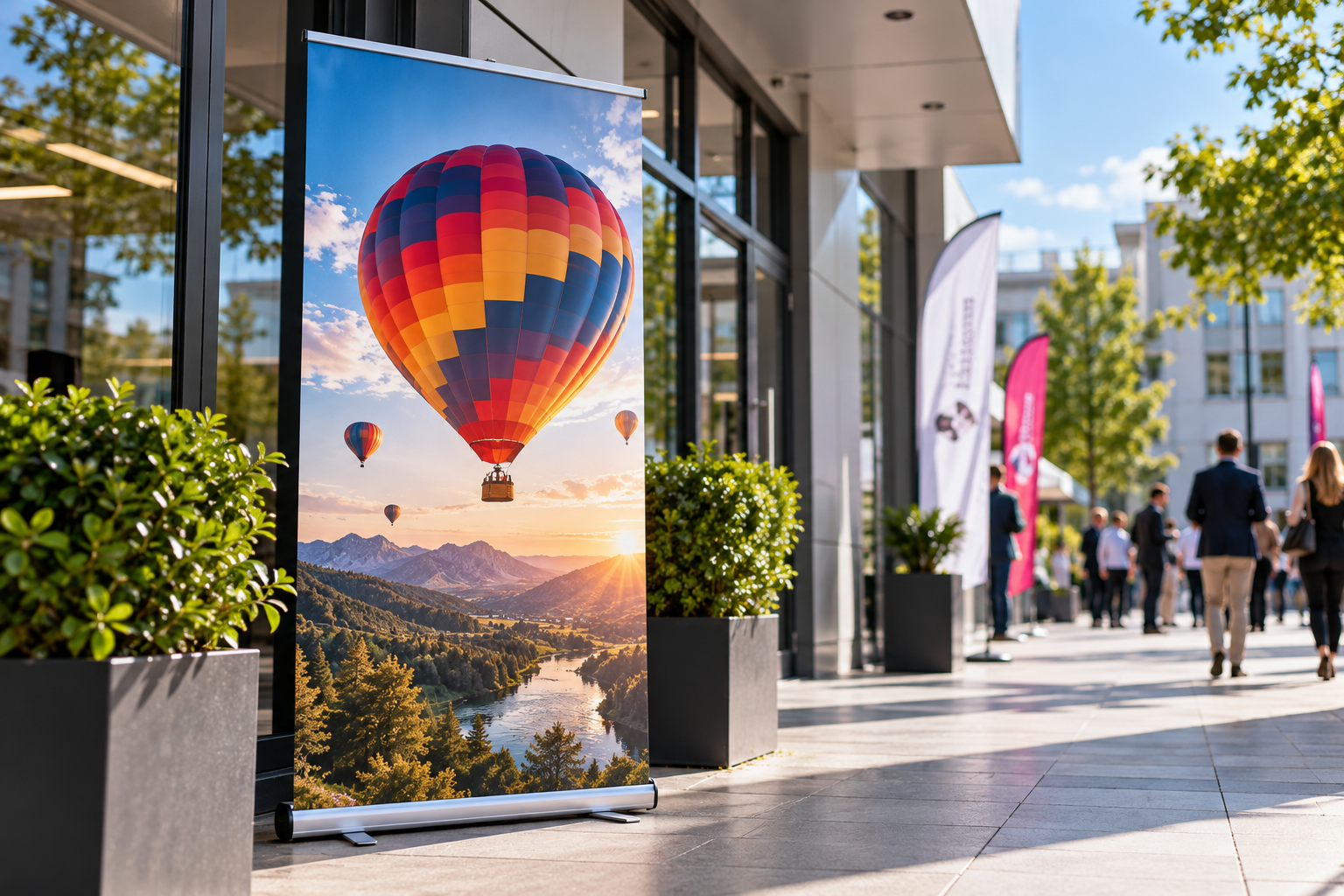
For a Roll-up, for example, you need to account for the part that rolls into the housing, while for a flag, you also need to consider the position of seams and fixings.
Tip: Before printing, always have your file checked against the technical requirements of the given product.
How do you write a good prompt for AI image generation?
One of the foundations of high-quality AI graphics is a precisely worded instruction, known as a prompt. The more clearly you define the result you want, the easier it is to steer the image generation in the right direction.
Five simple prompting tips:
Define the purpose! Describe whether the image is for a poster, a Roll-up, a T-shirt or another promotional item.
Specify the exact aspect ratio! Do you want a portrait, landscape or square image? The composition should suit the intended use.
Describe the visual style! Do you want a photorealistic, minimalist, illustrative or elegant look? Define the colors and the mood too.
Plan where the text goes! If text will be added to the image later, ask for a suitable empty area.
Refine step by step! Based on the first result, fine-tune your instructions until the image matches your vision.
An example of a well-written image generation prompt
Instead of "Make an image of a coffee", it's worth giving more detailed instructions:
"Create a photorealistic, portrait-format advertising image of a steaming cup of coffee, with warm morning light and a clean background. The cup should be in the lower third of the image, leaving free space at the top for the advertising text. Do not include any text in the image."
The key is to describe not only what you want to see, but also what you want to use the image for.
Frequently asked questions about printing AI images
Can an AI-generated image be printed?
Yes. AI-created images can be printed if their resolution, quality and technical preparation meet the requirements of the chosen product.
Can a large banner or Roll-up be made from an AI image?
Yes. The required image resolution depends on the final size and the viewing distance. If necessary, image upscaling and graphic post-processing may also be needed.
How do you remove the background of an AI image before printing?
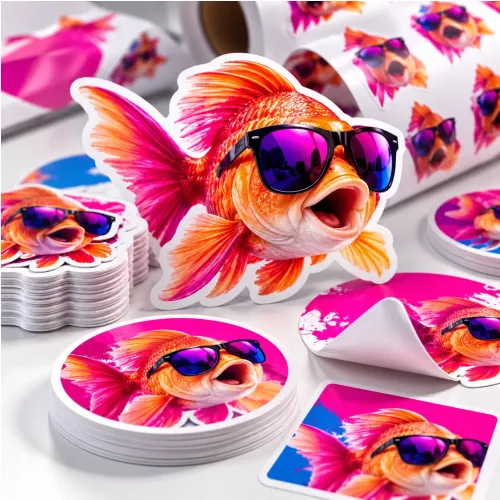
If you want to print the graphic on a T-shirt, sticker or another product, you often need a transparent background. The background can be removed with an AI-based image editor or a graphics program. It's best to save the finished file in a format that supports true transparency, such as PNG, and check that the edges of the motif have stayed clean.
How can you avoid important parts of the image being cut off during printing?
When creating an AI image, it's best to place the main motif, faces and important details farther from the edges of the image. During printing, part of the graphic may be trimmed off or covered by the structure of the product. Ask the AI for a wider composition with more background around the main subject! That way, the image is easier to adapt to posters, Roll-ups or banners of different sizes.
From creative idea to finished print
AI is a great tool for creating custom graphics, but for a stunning printed result, conscious design and proper print preparation are still important.
At PrintONE, you can count on us for this too! If you'd like to see an AI-created image on a poster, banner, Roll-up, T-shirt or another product, we'll help you check, correct and prepare your graphic for print.
Because it's not only how the image looks on your monitor that matters, but also how the final result turns out in real life.p