 2026. November 20.
Create your own ad graphics online – even with free AI!
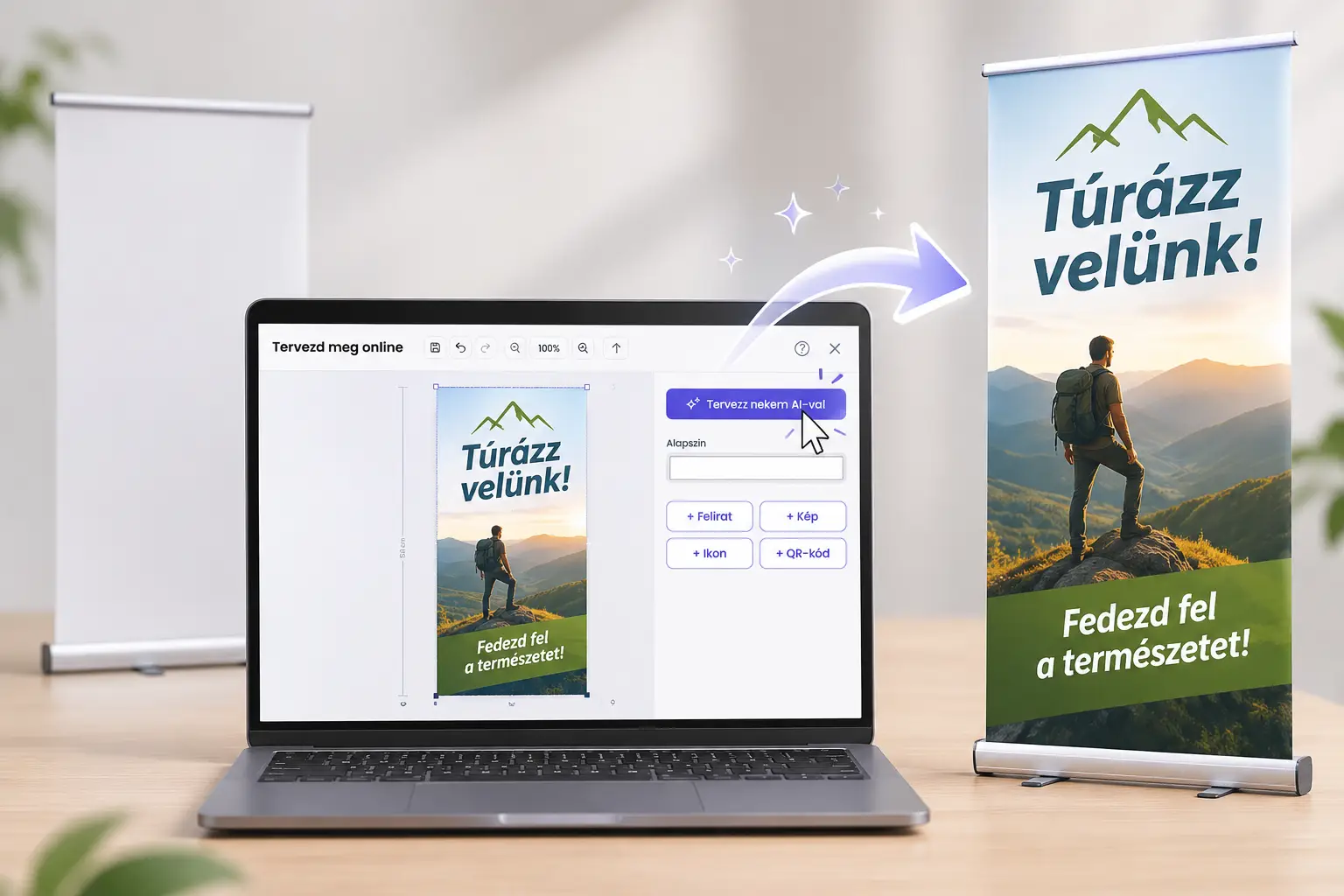
Want a custom Roll-up, advertising banner or other printed promotional material, but don't have any graphic design software? With the PrintONE online editor, you can easily create your own graphics, even from your mobile phone!
Upload your images, add your logo, insert text, or even have the built-in AI create your entire ad graphic – images and captions included!
All in one place, with no installation and no separate graphic design programs.
1. A simple online designer with everything at hand
You can use the PrintONE graphic editor easily even if you have never created ad graphics before.
In the editor:
You can upload your own images and logos.
You can add captions, icons and QR codes.
You can change the colors of the background and the text.
You can move, resize and rotate elements.
With the help of AI, you can create images or even complete ad graphics.
You can save your graphic and then continue with your order.
The editor works on both computers and mobile phones, right in your browser.
Tip: Place the most important elements first – the headline, the image and the logo. Only then add the smaller details. This makes it easier to create a clear composition.
2. Have AI create your entire ad graphic – for free!
Don't have your own image, or don't want to put together the elements of your graphic one by one? PrintONE's built-in AI designer can help with that too!
With AI, you can not only generate unique backgrounds and illustrations, but you can even have your entire ad graphic created, images and captions included.
Just describe what you want to advertise, what style the graphic should have, and what text should appear on it.
For example:
"Create an eye-catching ad graphic for a café's summer promotion! It should feature an iced coffee, a cheerful summer mood, and the following caption in big letters: SUMMER REFRESHER! Below it in smaller letters: Iced coffee from just 990 HUF. Use bright, natural colors."
The AI creates the visual design, which you can use for your promotional material.
AI design is completely free! All you need is a registration – there is no paid subscription, and you don't have to buy AI credits either.
Tip: If you have the AI create a full graphic, specify exactly the text to be displayed, the colors you want and the purpose of the ad. Always check the generated captions, especially prices, phone numbers and web addresses. If you only need a background image, ask for it without captions!
3. Your own images, logos and captions – tailor it to your brand!
If you already have your own photos and brand elements, you can simply upload them to the editor.
You can resize the images, place them in the position you want, and adjust the size and color of the text to fit your graphic.
Tip: For a good ad graphic, three levels of information are usually enough:
Main message: for example "SUMMER SALE!"
Offer: "Up to 30% off"
Contact details: website, phone number or QR code.
Make the most important message the biggest. Remember: people often look at an ad for only a few seconds!
4. Generate a QR code right onto your graphic!
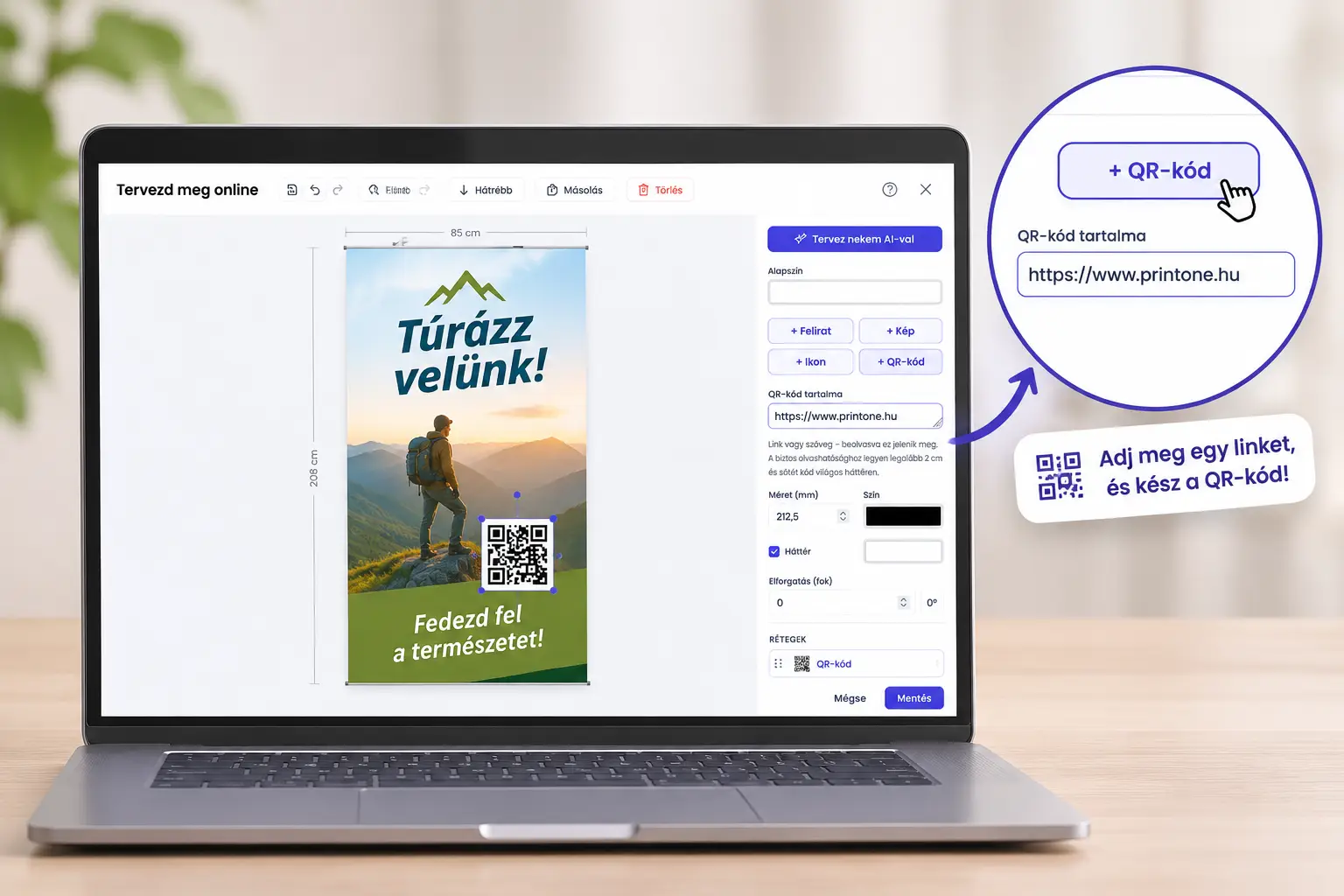
With the built-in QR code generator, you can easily connect your printed promotional material with your online channels.
A QR code can lead, for example, to your web shop, your menu, the ticket sales page of an event or an online appointment booking page.
You don't need to use a separate QR code generator website – everything happens within the editor.
Tip: The QR code should be at least 2–3 cm wide, but the right size also depends on the viewing and scanning distance. On a banner that will be scanned from farther away, a much larger code may be needed. Always leave empty space around it, and test it with your phone before printing!
5. Which promotional materials are worth designing yourself?
The online editor is especially useful for promotional materials that consist of a few images, a logo and short captions.
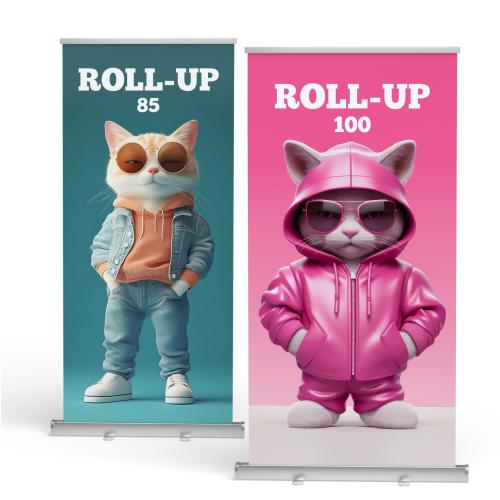
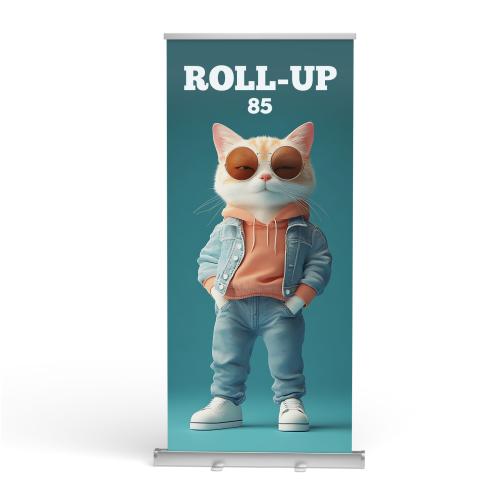
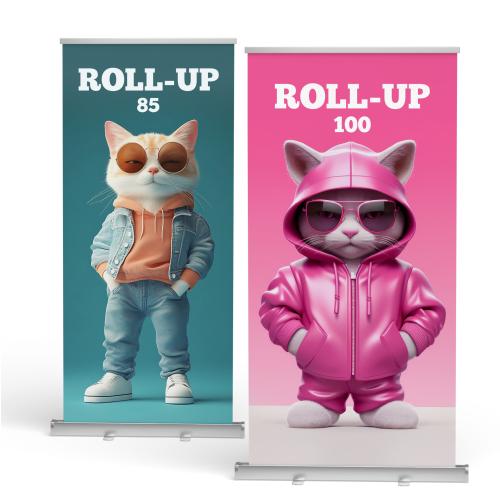
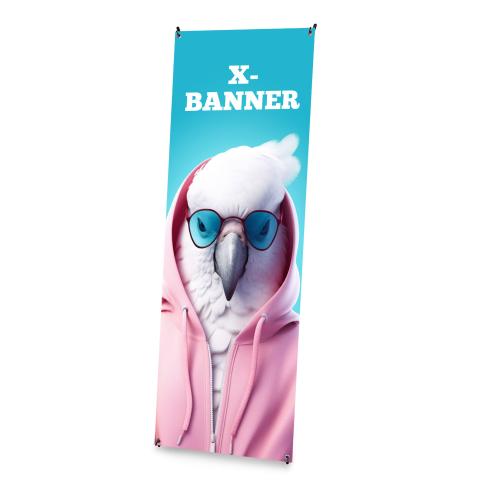
Roll-up
For exhibitions, conferences and business presentations. A logo, an attention-grabbing headline and a few key pieces of information may already be enough.
Tip: Place the most important message in the upper third of the Roll-up so it is easy to notice from farther away.
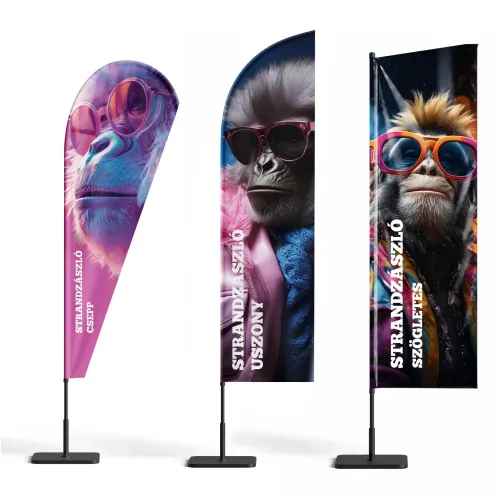
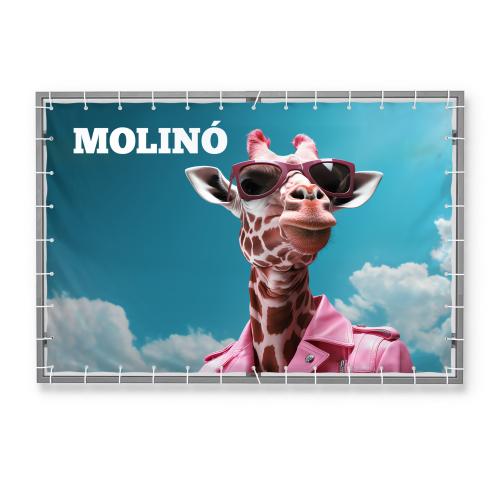
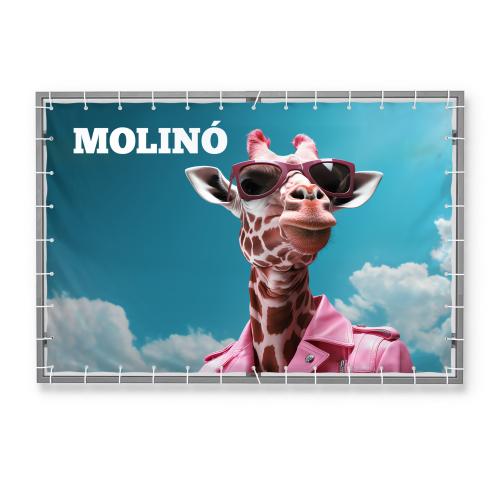
Advertising banner
For sales, store openings, events or outdoor advertising.
Tip: If the banner will be seen from the street, from a greater distance, use short text and large letters. A single strong message can be worth more than five tiny pieces of information.
Events and promotions
You can quickly put your graphic together for company events, exhibitions and seasonal campaigns too.
Tip: If you are creating multiple promotional materials for the same event, use consistent colors, fonts and imagery. This way, the different items form a cohesive look.
6. Five things to check before printing!
Before you finalize your graphic, go through these five points:
Readability: Is the main message easy to recognize even at a smaller size?
Image quality: Is the resolution of the uploaded or AI-generated images suitable for the print size?
Spelling: Are all phone numbers, web addresses, dates and prices correct?
QR code: Does it work, and is it easy to scan?
Safety margin: Are the important elements far enough from the cutting edges?
Tip: Shrink the whole graphic down on your monitor and look at it for three seconds. If you immediately understand what is being advertised and what you need to do, the composition probably works well.
7. From design to order – all in one place
With PrintONE's online designer, you can create your promotional material in a few simple steps:
Choose the product and the size you want.
Open the online graphic editor.
Upload your images, or have the entire graphic created by AI.
Add the captions, the logo and, if needed, the QR code.
Check and save the graphic.
Continue with your order.
Tip: Before designing, prepare your logo, the important texts and the images. If you are working with AI, it is worth deciding in advance what mood and message you want to convey.
Design it yourself, or leave it to us!
With the PrintONE online editor, you don't have to be a graphic designer to create your own promotional material. Image upload, text editing, QR code generation and free AI design are all available in one place – even from your mobile phone.
But if you don't have time to design, or you need a more complex graphic, we can help with our graphic design service too.
You decide how much you want to do yourself!
Discover PrintONE's products and try out the online designer!